July 2026 release
Overview
Major Upgrades highlighted here:
| Component | Current | Previous |
|---|---|---|
| Landing Page Editor | v3.8.0 | v3.7.2 |
| Scantrust portal | v1.64.0 | v1.63.0 |
| Scantrust Pro | v1.4.0 | v1.3.0 |
| e-label SaaS Portal | v1.14.0 | v1.13.0 |
| Portal QR manager | v1.15.4 | v1.15.3 |
| Video Auth | v3.7.2 | v3.5.2 |
| Code Ingestion | v1.5.2 | v1.5.1 |
Individual Component Change List
A more detailed list of the substantive changes affecting each component.
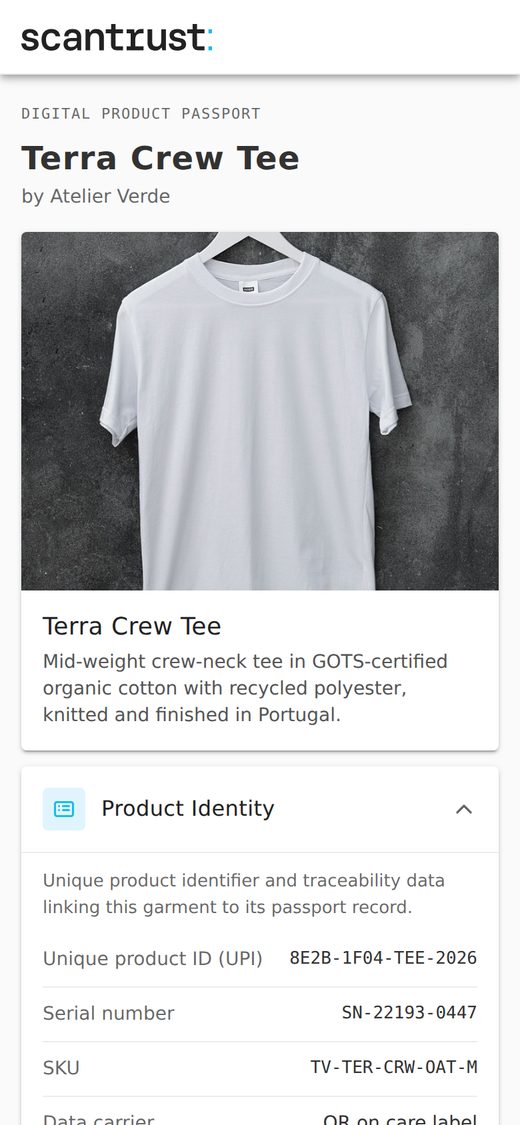
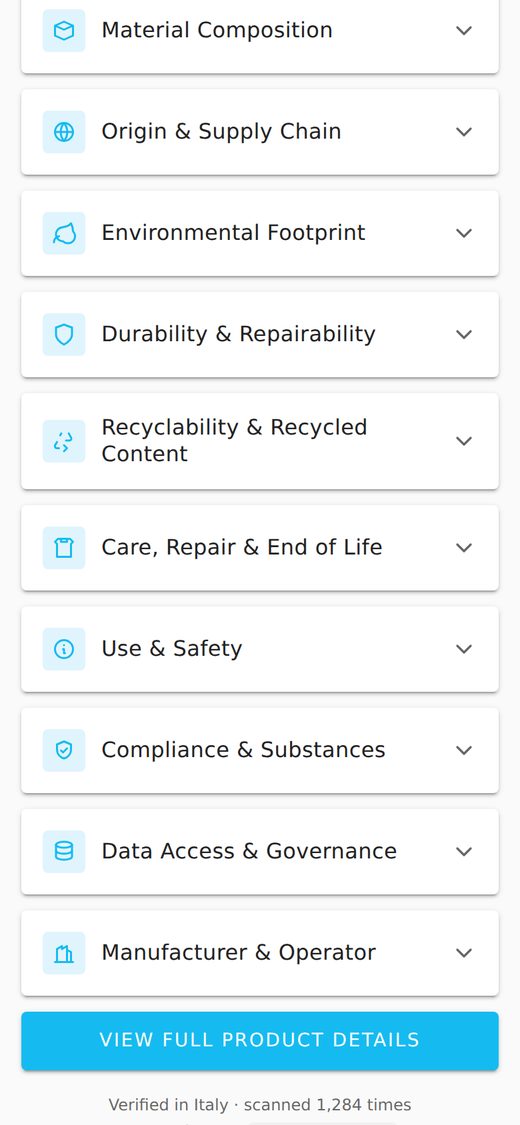
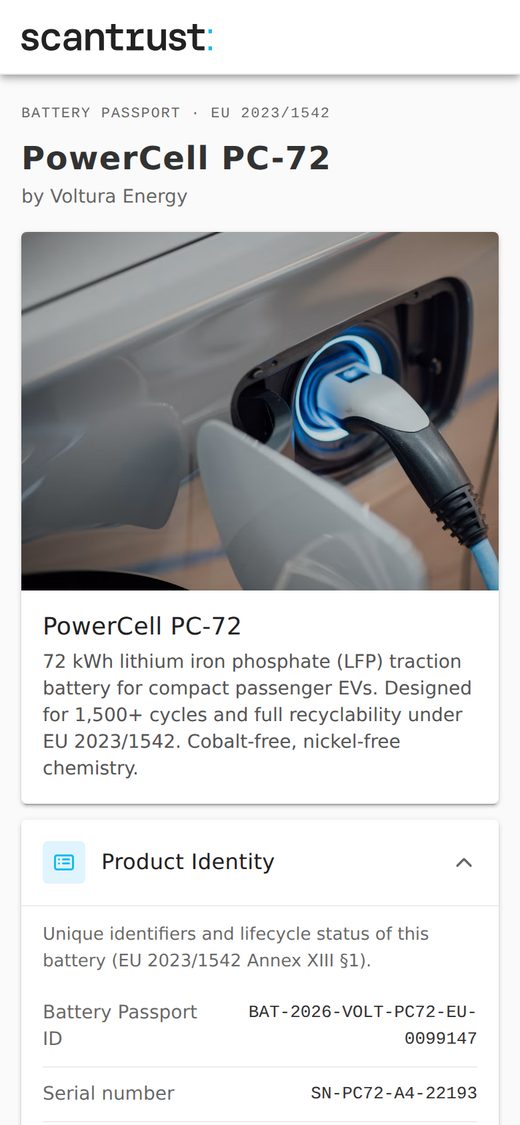
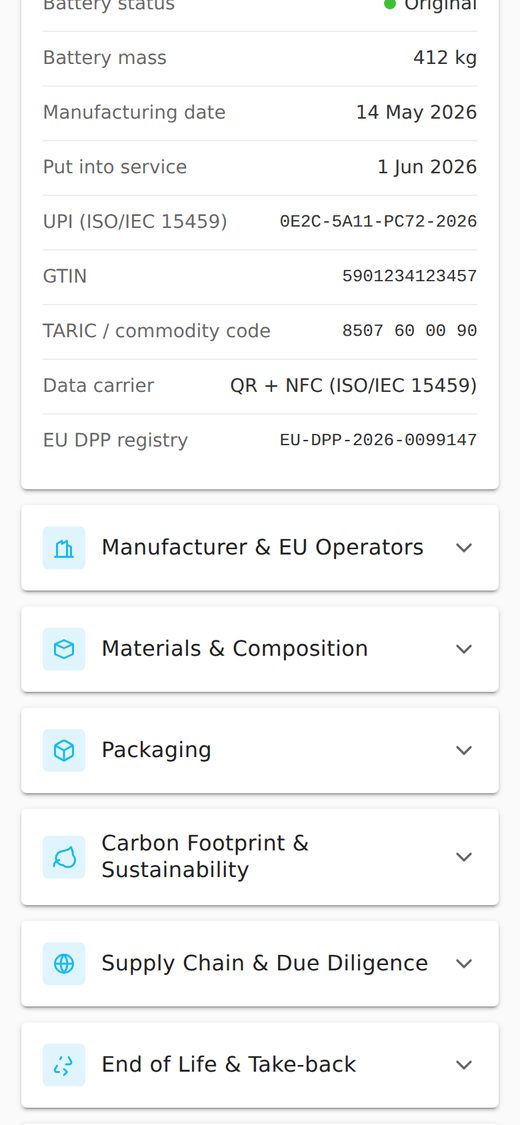
DPP templates for textile and batteries
Two new Digital Product Passport (DPP) templates are now available in the Landing Page Editor:
- Textile DPP
- Battery DPP
Example: Textile DPP
Example: Battery DPP
New e-label widgets
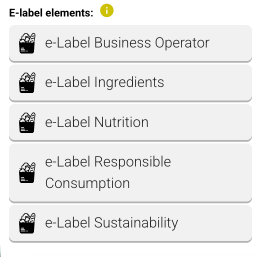
Five dedicated e-label widgets are now available for wine, spirits, and food products, making it easy to add compliant sections in one click:
- e-label Business Operator
- e-label Ingredients
- e-label Nutrition
- e-label Responsible Consumption
- e-label Sustainability
Editor improvements
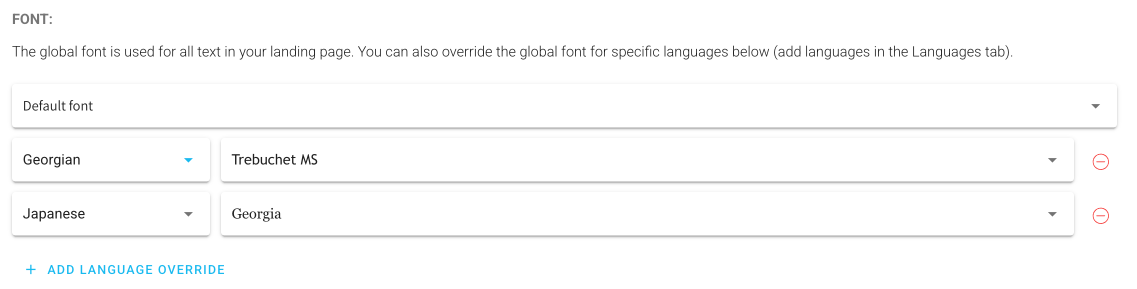
- Font control per landing page — a new dropdown lets users change the font for the entire landing page, with the option to override the global font for specific languages.
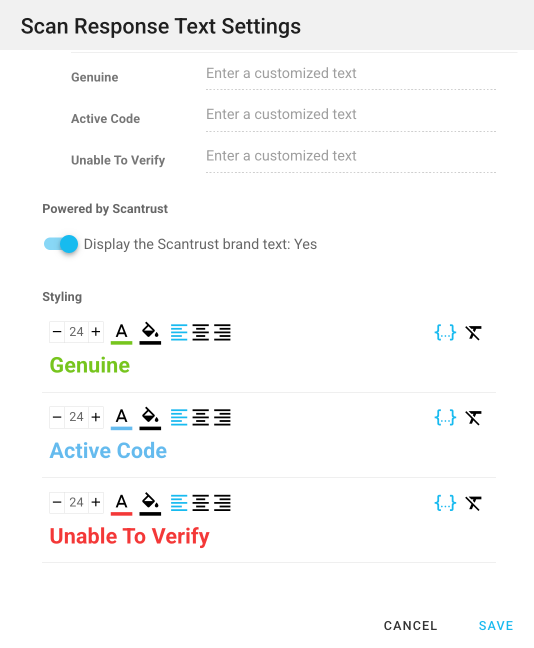
- Authentication Result Widget formatting — customise text, colours, and alignment for Genuine, Active Code, and Unable To Verify states.
- Unsaved-changes warning — users are now warned when leaving the editor with unpublished changes.
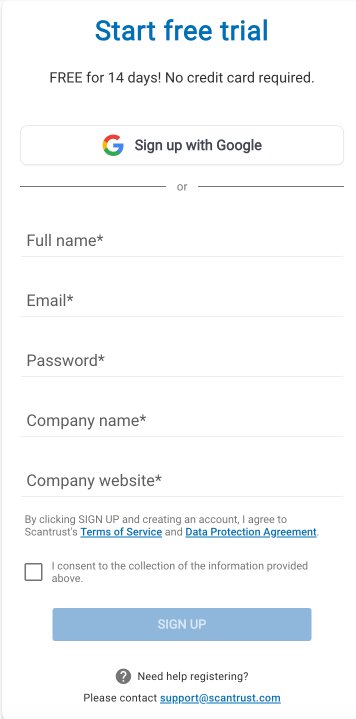
Sign up with Google
- Available on both Scantrust Pro and the e-label portal sign-up pages.
- One-click account creation — no password to set or remember.
- Users who signed up with Google can also log in with Google going forward.
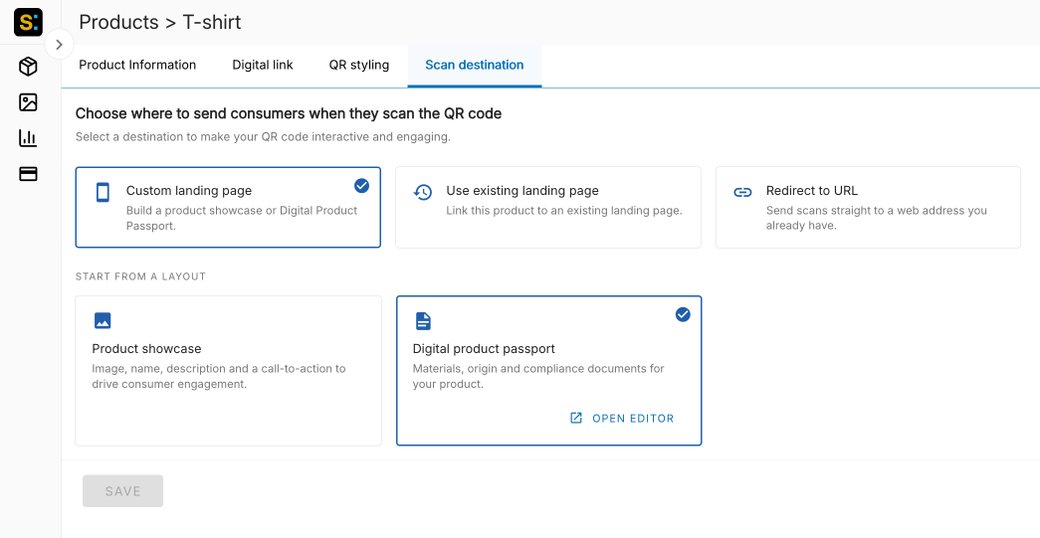
Revamped Scan destination page
The Scan destination tab has a new, clearer layout. Users choose where to send consumers when they scan the QR code:
- Custom landing page — build a product showcase or Digital Product Passport.
- Use an existing landing page — link the product to an existing landing page.
- Redirect to URL — send scans straight to an existing web address.
DPP templates are now available in Scantrust Pro
The Digital Product Passport templates for textile and batteries, previously available only in the Enterprise portal, can now be used in Scantrust Pro.
When creating a custom landing page, users can start from the Digital product passport layout with materials, origin, and compliance documents for their product.